7 Practical AI Tips for WooCommerce Store Owners (With Copy-Paste Prompts)

AI tips for WooCommerce store owners don’t need to be complex to be useful.
Used correctly, tools like ChatGPT, Google Gemini, or Microsoft Copilot can save time on the work that drains energy — emails, copy, reports, and planning.
Below are 7 practical AI tips for WooCommerce you can use this week, plus exact prompts you can copy and paste into any of these tools.
Want more content like this? Browse more WooCommerce workflow tips on PluginDistrict and check out our WooCommerce plugins.
1) AI Tips for WooCommerce Support Replies
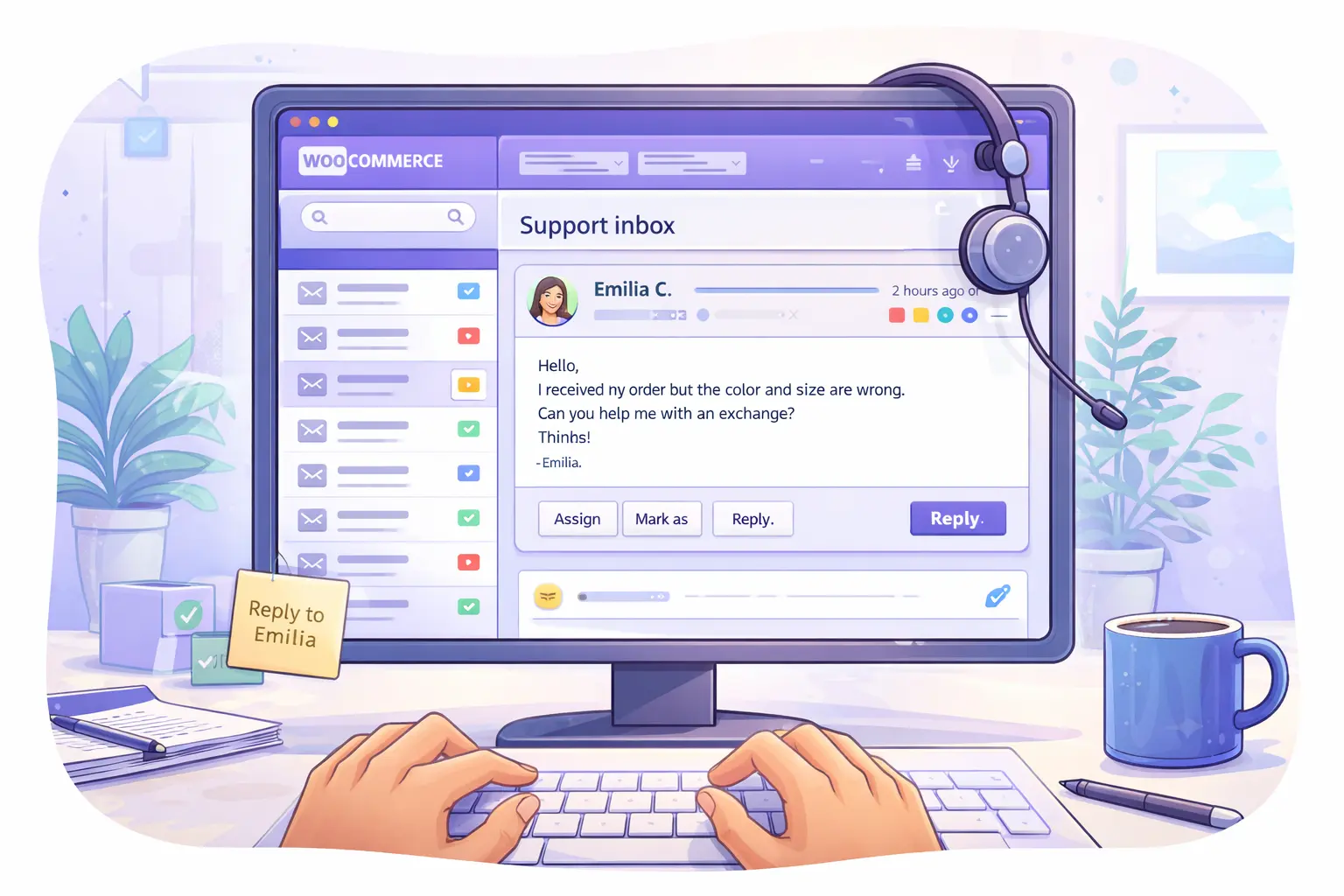
Use AI to draft replies — not to send them automatically.
Prompt:
Write a clear, friendly response to this WooCommerce customer email.
Keep it professional and concise.
Do not promise refunds or changes unless explicitly stated.

Customer message:
[paste email here]
2) Weekly Store Summary (Plain English)
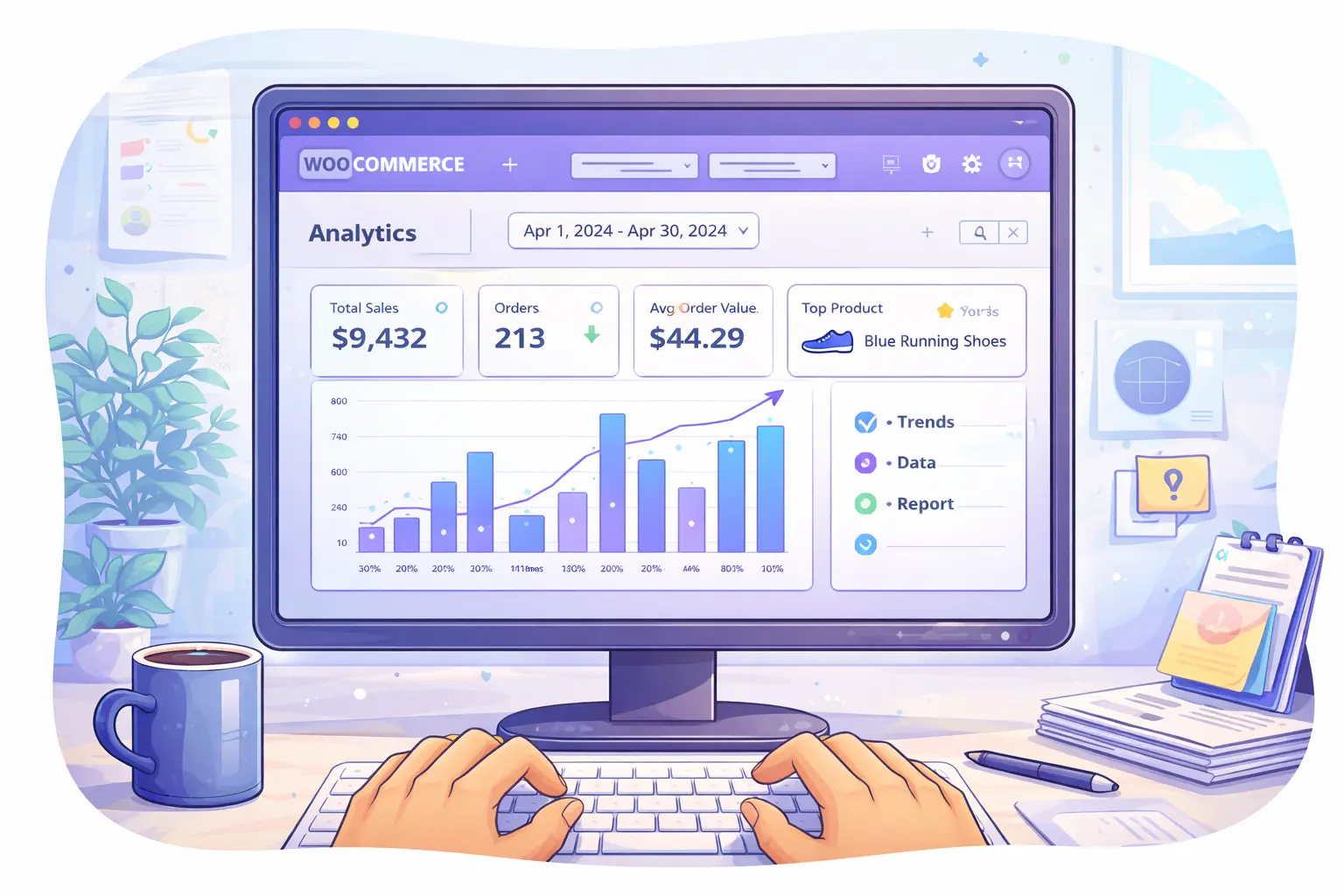
Stop staring at charts and numbers.
Prompt:
Summarize this WooCommerce order data in plain English.
Highlight anything unusual or worth attention.

Data:
[paste order totals, trends, or report text]
Want more practical WooCommerce + AI tips like this? Get them in our newsletter.
3) Clean Up Product Descriptions
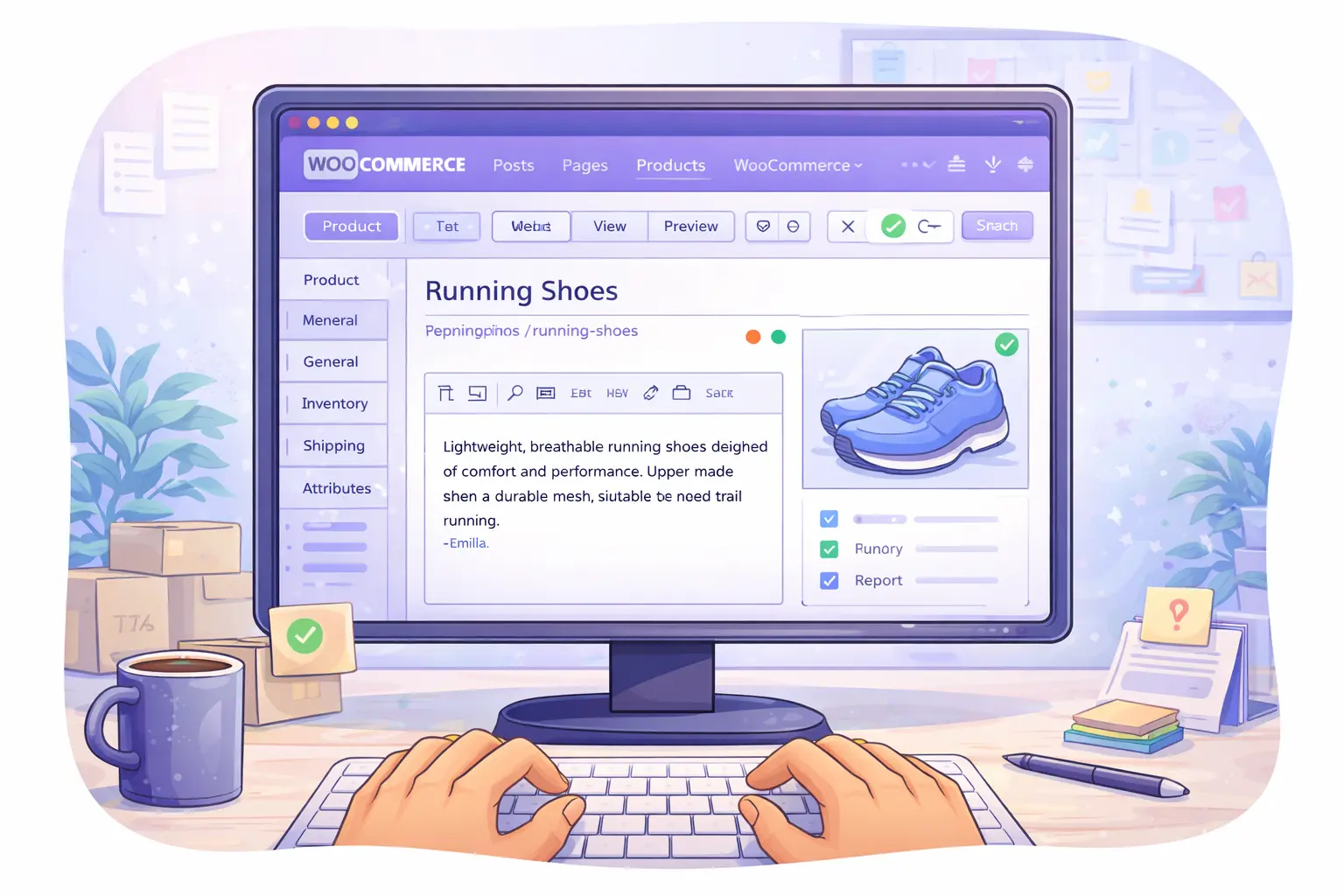
Most product descriptions are longer than they need to be.
Prompt:
Rewrite this WooCommerce product description for clarity and scannability.
Keep all facts accurate.
Do not add features, claims, or guarantees.

Description:
[paste text here]
4) Find What Customers Are Confused About
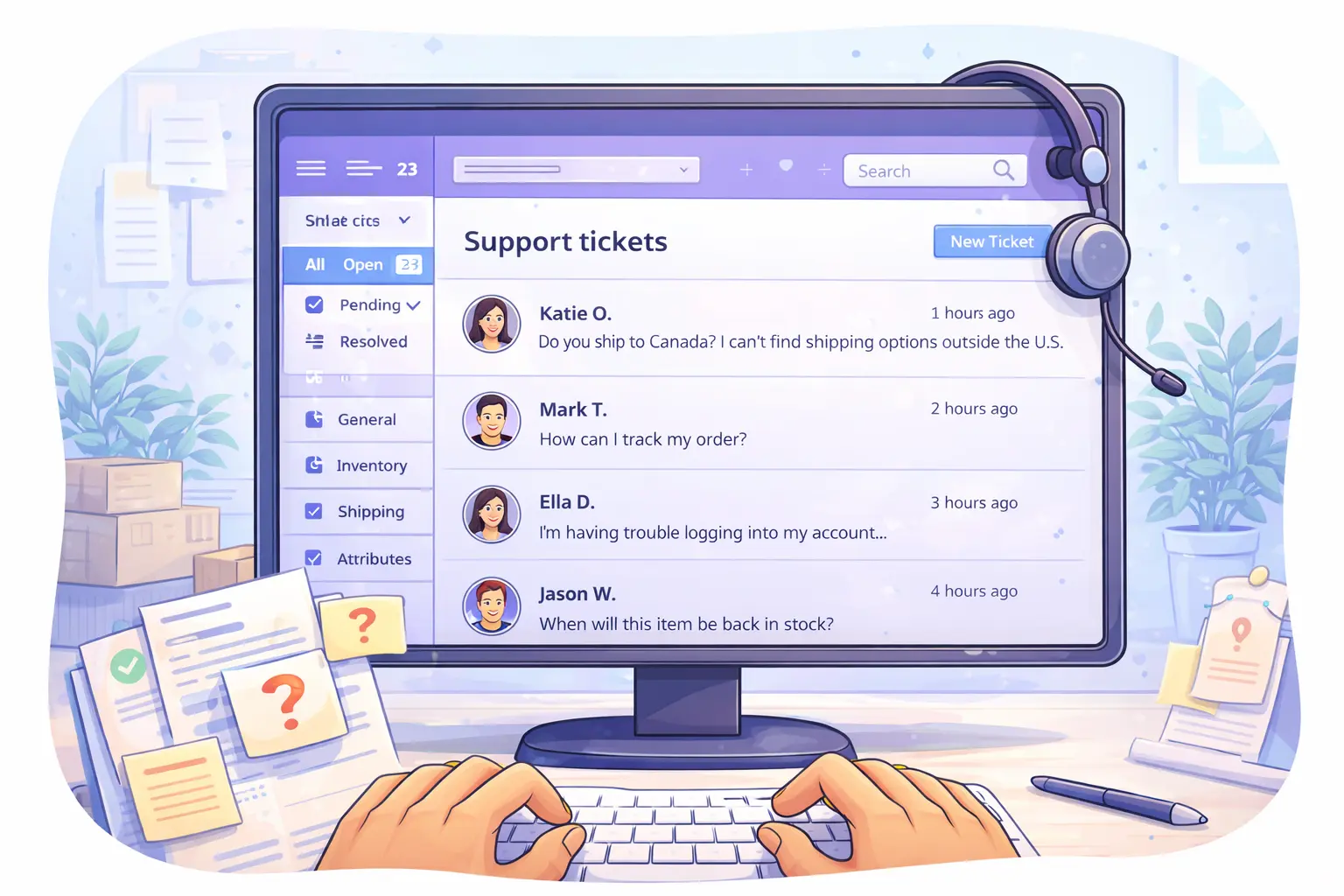
Support tickets and contact forms hide patterns.
Prompt:
Review these customer messages and summarize:
1) Common questions
2) Points of confusion
3) What customers seem to expect but aren't finding

Messages:
[paste multiple emails or form entries]
Related: more WooCommerce workflow articles that help reduce support tickets.
5) Draft FAQs or Policy Pages (Fast)
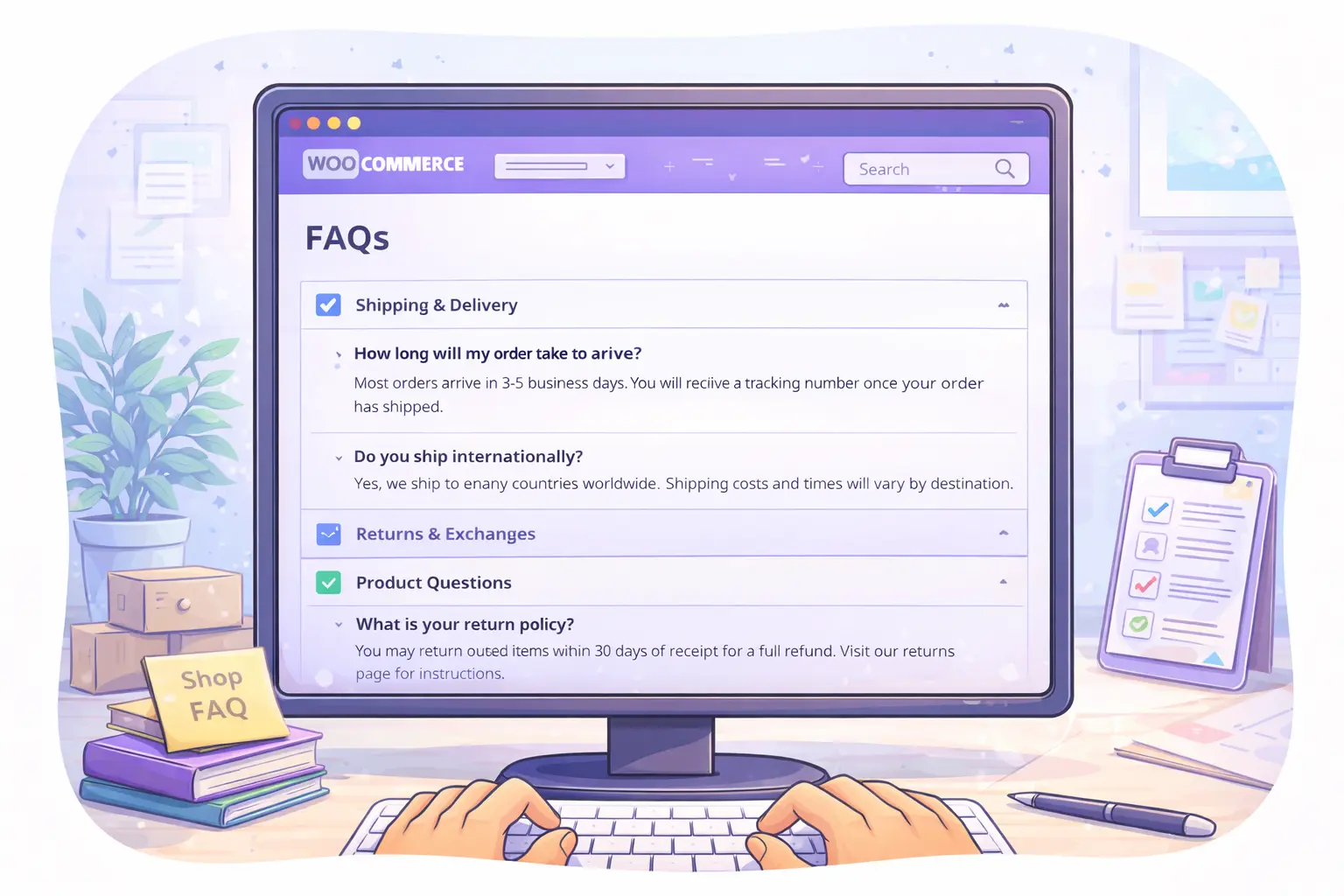
AI is excellent at first drafts.
Prompt:
Draft a clear FAQ section for a WooCommerce store.
Tone: helpful and direct.
Avoid legal language.

Topic:
[refunds | pickups | shipping | subscriptions]
6) Sanity-Check Store Changes Before You Make Them
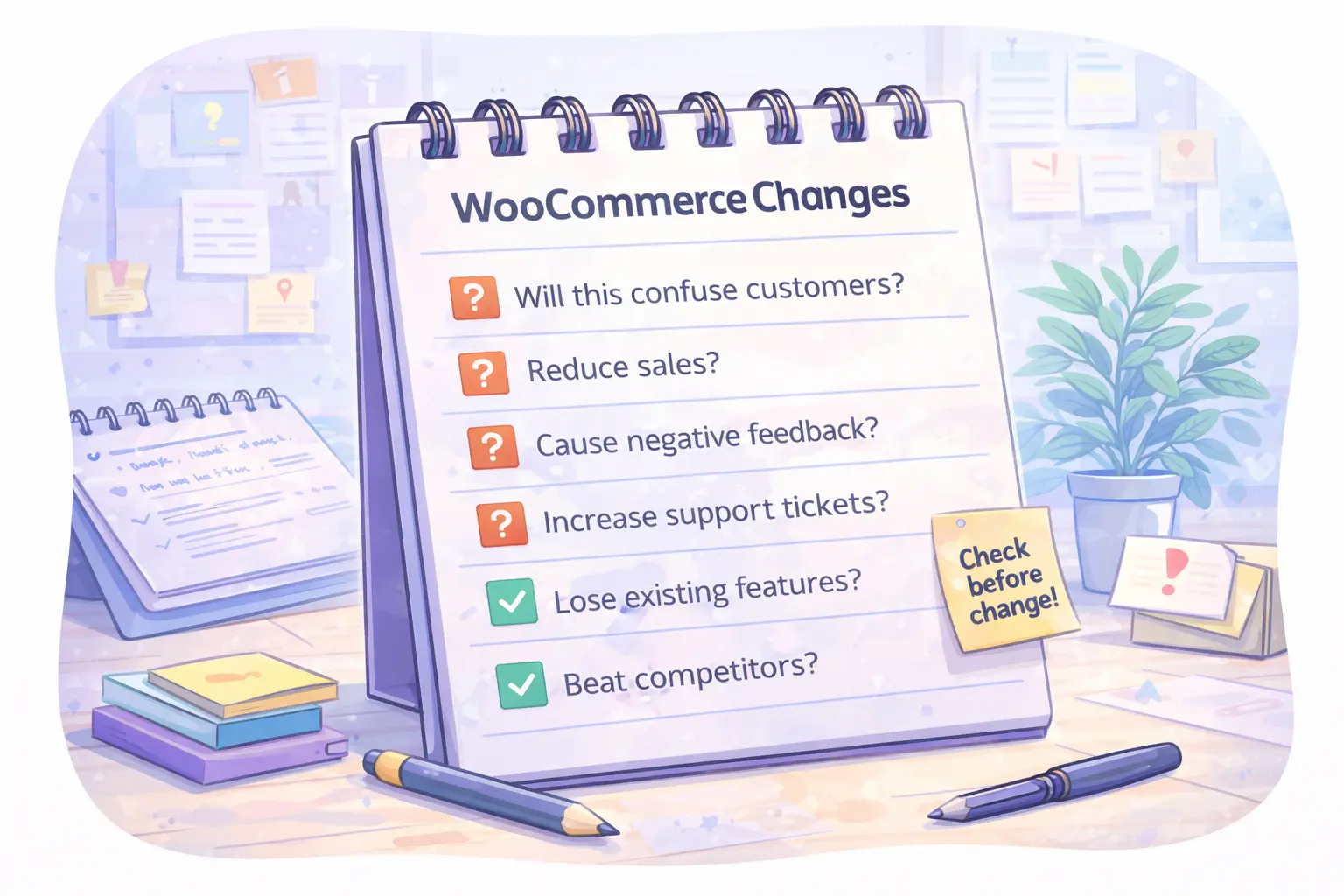
Catch blind spots early.
Prompt:
I am considering this change to my WooCommerce store:
[Describe Change]

List potential customer concerns or questions this might raise.
Do not suggest technical implementations.
7) Use AI as a Second Brain (Not a Decision Maker)
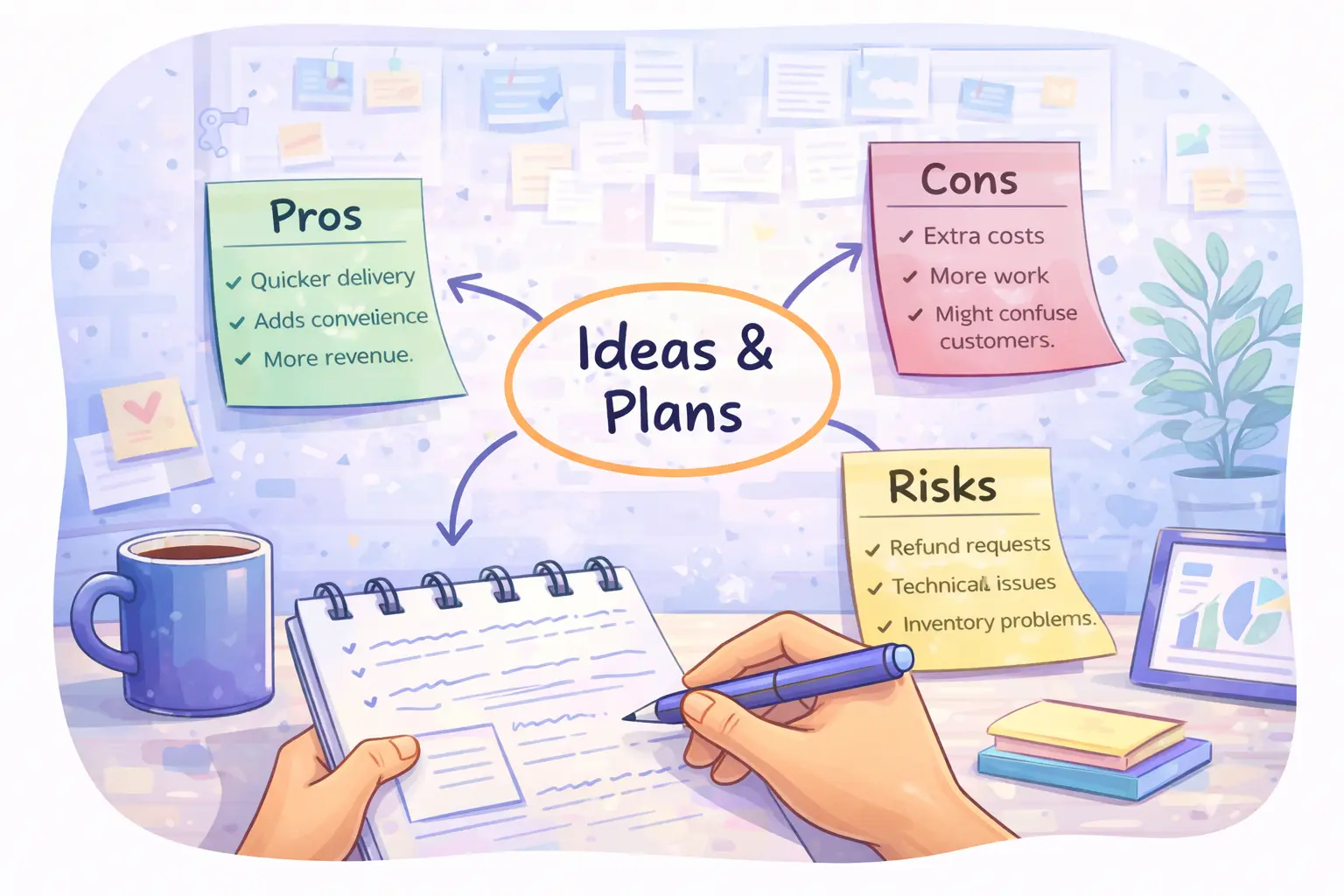
This mindset matters.
Prompt:
Help me organize my thoughts and list pros, cons, and risks.
Do not make the decision for me.

Context:
[paste notes or ideas]
Final Thought
You don’t need AI plugins, automations, or integrations to get value.
These AI tips for WooCommerce work best when used as lightweight helpers, not full automation. Start small, keep humans in control, and focus on saving time where it matters most.
Start with:
- One email
- One description
- One report
Small wins compound fast.
We’ll keep sharing practical, no-hype AI workflows for WooCommerce store owners.
Want help applying this?
Tell us your workflow and we'll point you to the right plugin or next step.